Your casino account holds real money. The operator holds it, yes, but you control the withdrawals. That control lives in passwords and secondary verification systems, one of which is two-factor authentication (2FA). Understanding how it works, where it breaks, and why some implementations are stronger than others is not optional knowledge.
The Basic Mechanism
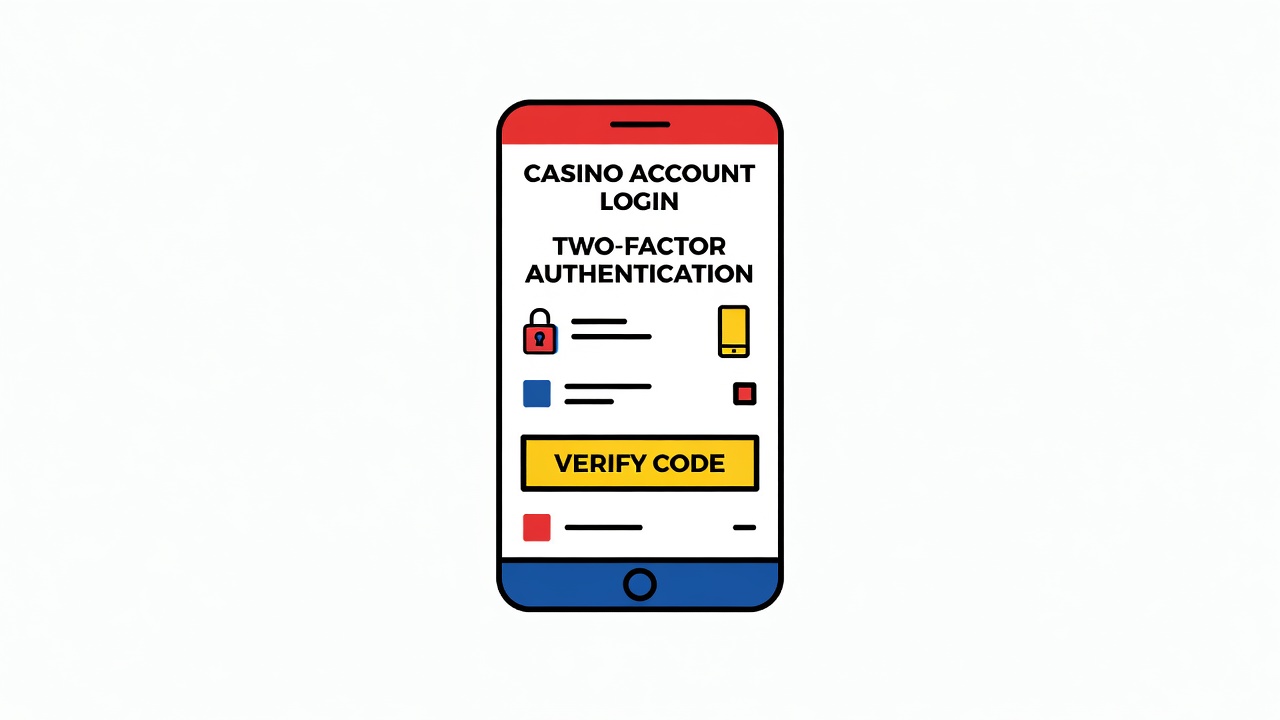
Two-factor authentication adds a second gate beyond the password. You have something you know (your password) and something you have (usually your phone). To log in, you need both. Sounds straightforward. The devil, as usual, is in the execution.
Most major operators, Bet365 and DraftKings included, offer authenticator app-based 2FA using the Time-based One-Time Password (TOTP) standard. You install an app like Google Authenticator or Authy, scan a QR code from the casino site, and your phone generates a new six-digit code every thirty seconds. The operator's server checks the code. If it matches, you're in.
Why not SMS codes, which sound simpler? SMS is vulnerable to SIM-swapping attacks. A scammer calls your phone carrier, convinces them you lost your phone, and gets a new SIM issued to them. They intercept your 2FA codes before they reach you. This has happened thousands of times. TOTP, by contrast, lives on your device. The attacker would need access to your phone itself.
Some operators, particularly in European jurisdictions like the Malta Gaming Authority licensed ones, use hardware keys. You plug in a physical USB device, it generates a cryptographic challenge-response, and the code can't be replayed. Stronger. Also more inconvenient, which is why most retail players stick with authenticator apps.
Where Implementation Breaks Down
Three things go wrong in practice.
First: recovery codes. When you enable 2FA, most operators give you a backup code, usually a long string of alphanumerics. Write it down. Don't screenshot it. Don't email it to yourself. If you lose your phone and lose this code, you're locked out. Some operators have a support process to re-enable 2FA, but it's slow and can involve sending identification. You will lose access to your funds for days.
Second: operator-side logging. Bet365 and DraftKings both maintain logs of successful 2FA logins, and they'll show you what IP addresses and devices they came from. Check them. If you see a login from somewhere you don't recognize, change your password and enable 2FA again. The operator typically allows you to log out all other sessions remotely.
Third: the operator's own infrastructure. If the operator's systems are compromised, 2FA stops mattering. This is why regulated operators are required by jurisdictions like the UK Gambling Commission and Curaçao eGaming to submit to third-party penetration testing. Companies like iTech Labs and GLI test the infrastructure. It's not perfect, but it's better than nothing. Unregulated shops don't have to do any of this.
What You Should Do
- Enable 2FA on every account that holds money. Not tomorrow. Now. No exceptions.
- Use an authenticator app, not SMS. Google Authenticator works fine. Authy is better because it backs up to the cloud, so if you lose your phone, you don't lose your codes.
- Save your recovery codes in a password manager like 1Password or Bitwarden. Not a note. A proper manager.
- Check your login logs monthly. Most operators bury this in Account Settings under Security or Activity.
- Do not use the same password across multiple casinos. If one operator is breached, the attacker will try that email and password everywhere else.
- Change your 2FA settings only from a device you fully control. Don't use public WiFi when you do this.
The mechanism works. The question is whether you implement it correctly.